
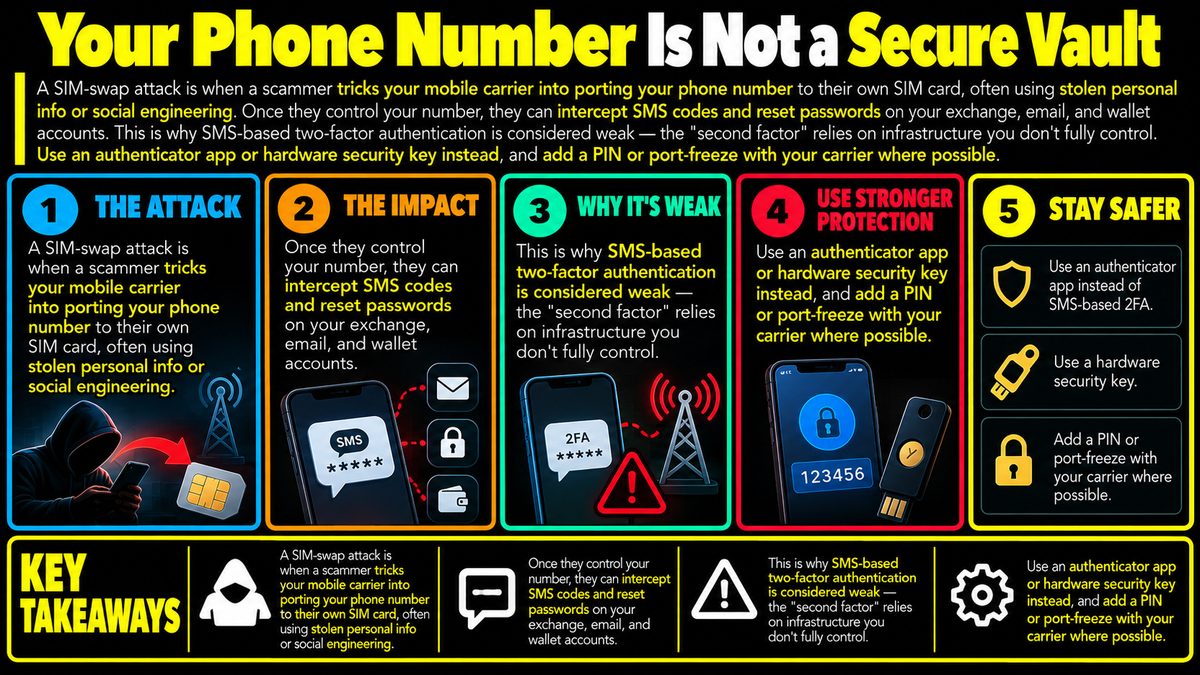
A SIM-swap attack is when a scammer tricks your mobile carrier into porting your phone number to their own SIM card, often using stolen personal info or social engineering. Once they control your number, they can intercept SMS codes and reset passwords on your exchange, email, and wallet accounts. This is why SMS-based two-factor authentication is considered weak — the "second factor" relies on infrastructure you don't fully control. Use an authenticator app or hardware security key instead, and add a PIN or port-freeze with your carrier where possible.
How a SIM Swap Actually Happens
A SIM-swap attack does not require breaking into your phone. Instead, a scammer gathers enough personal details about you, often from data leaks, social media, or phishing messages, to convince your mobile carrier that they are you. They call or message customer support, claim the phone was lost or the SIM was damaged, and ask for the number to be moved to a new SIM card they control. If the carrier's identity checks are weak, the request goes through, and your real phone silently loses service. From that moment, any call or text meant for your number goes to the attacker instead.
Why SMS Codes Fall Apart Once This Happens
Two-factor authentication, often shortened to 2FA, is meant to add a second layer of proof beyond your password, usually something only you can access. SMS-based 2FA assumes that only you can receive texts sent to your number. A SIM swap breaks that assumption completely, because the attacker now controls the number itself. They can request password resets on your email, exchange account, or wallet app, intercept the verification code sent by text, and walk straight through the door you thought was locked. The weakness is not in your password or your behavior online, it is in the fact that phone number ownership is managed by a third party, your carrier, using processes you do not control and cannot fully audit.
Reading the Warning Signs
One of the few practical tiles in your favor is that a SIM swap often produces a noticeable symptom before real damage occurs, loss of signal. If your phone suddenly shows no service, cannot make calls, or stops receiving texts for no clear reason such as a known outage, that is worth treating seriously rather than brushing off as a glitch. Unexpected password reset emails, login notifications from unfamiliar devices, or being locked out of accounts you normally access easily are also signals worth acting on immediately, by contacting your carrier and checking your most sensitive accounts, such as exchange and email logins, as soon as possible.
Better Alternatives to SMS Verification
An authenticator app generates time-based codes directly on your device without involving your phone number or carrier at all, which removes the SIM-swap pathway entirely. A hardware security key goes a step further, requiring a physical device to be plugged in or tapped to approve a login, meaning a remote attacker cannot complete the process even if they know your password. Where available, many carriers also offer an account PIN or a port-freeze setting that blocks number transfers unless that PIN is provided in person or through stronger verification. None of these options are unbreakable, but each removes a weak link that SMS alone leaves exposed.
Where This Fits Into Overall Security
No single step makes an account fully safe, and SIM-swap defenses are only one part of a broader habit of protecting access points. Using unique passwords, being cautious about what personal information is shared publicly, and treating unexpected security prompts with suspicion all work together with stronger 2FA methods. Security is best thought of as layered, not absolute, since any individual safeguard can fail or be bypassed under the right circumstances. Thinking about where your most valuable accounts rely on your phone number, and reducing that reliance where possible, is a reasonable and low-cost precaution rather than a guarantee against every form of attack.